
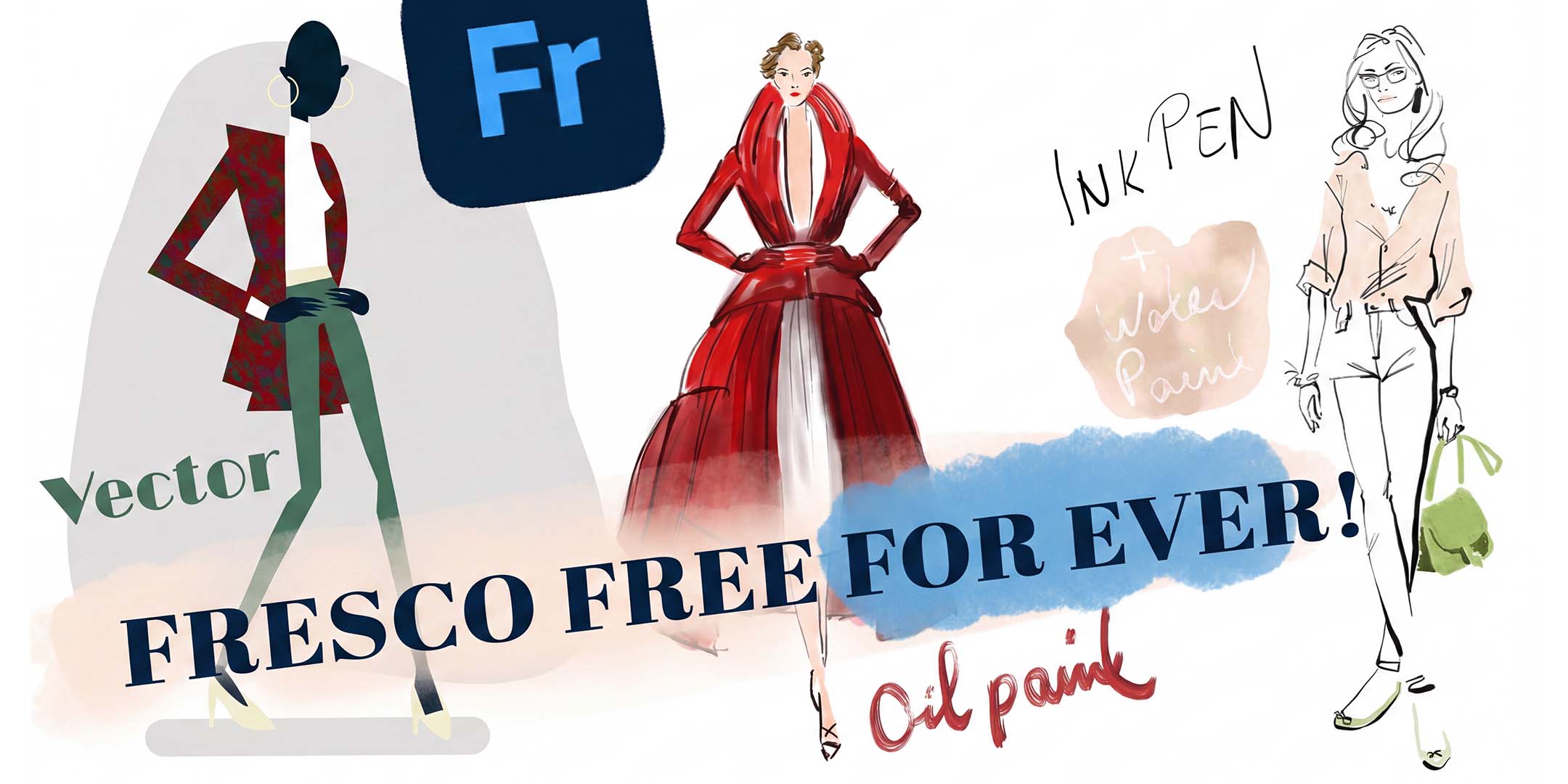
July 2025
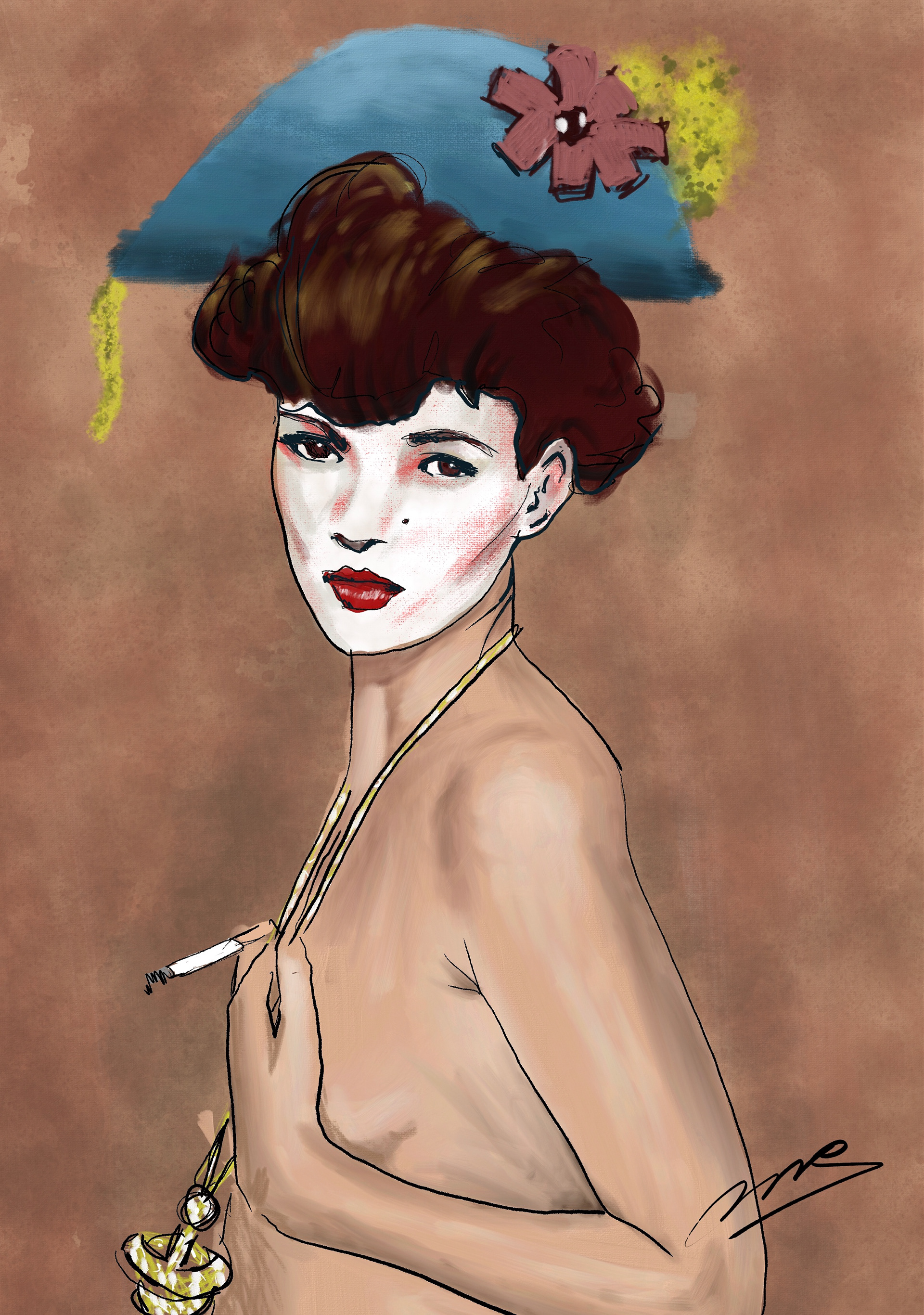
Live brushes realistically simulate water and oil paint:
Procreate only has Photoshop brushes. These are tiny transparent images stamped very close together. This is also why Fresco can do things that even Photoshop itself cannot—such as realistically emulating watercolor and oil paint. See below.
Illustration below created by myself (Onno Rijpstra).
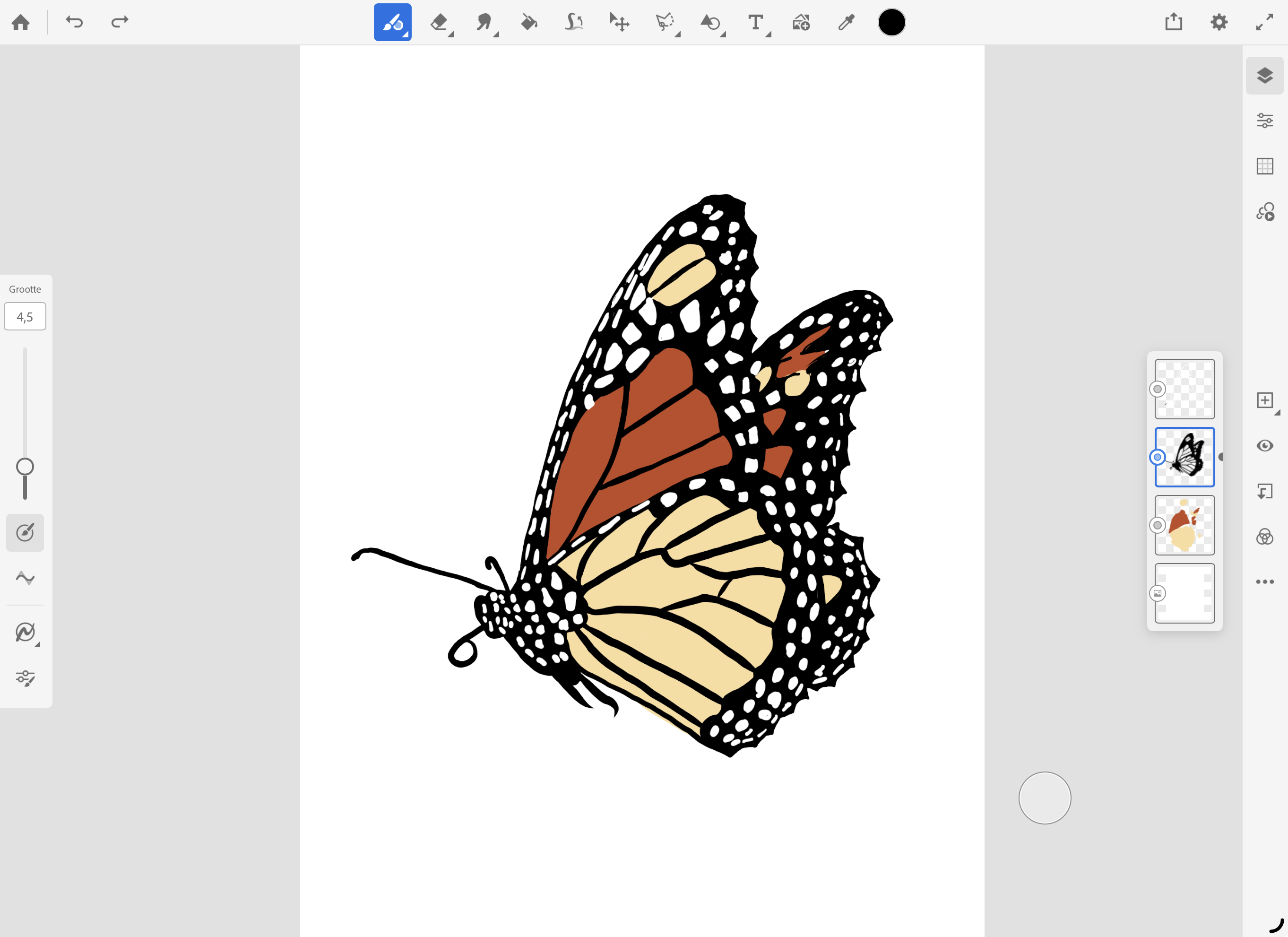
What’s especially great is that you can draw manually with vector brushes. This allows you to hand-draw vector logos and illustrations that are compatible with Adobe Illustrator, without needing any knowledge of Illustrator. Something Procreate still cannot do.
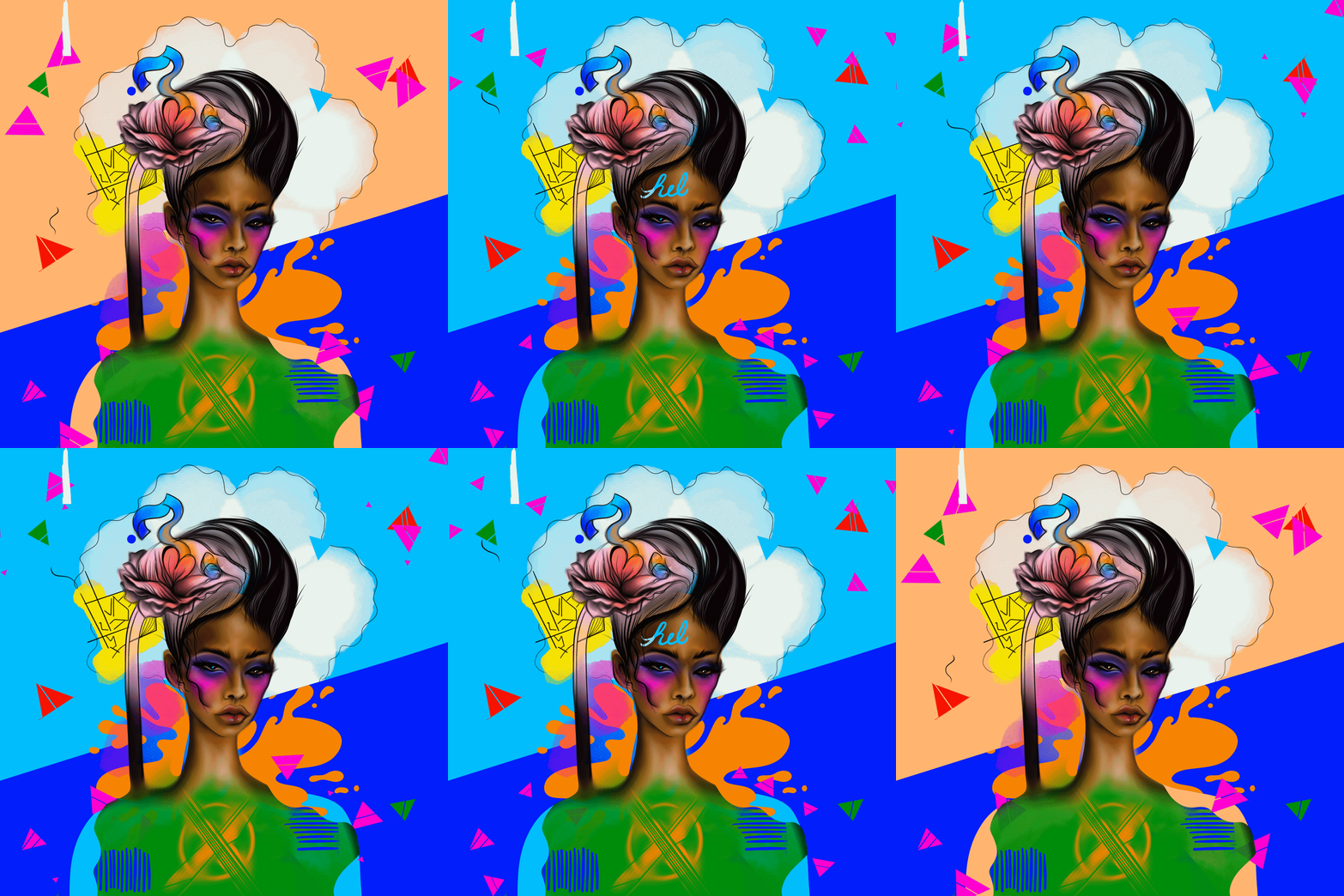
Fresco has become a full-fledged animation app with professional animation tools that you won’t find in Procreate.
The animation below was created by Melissa Showers.
Click on the animation image to see Melissa's Béhance profile!.
Fresco is essentially Adobe Illustrator and Photoshop in one app. They achieved this by separating the technology through layers. You have 'vector' layers, 'pixel' layers, 'photo' layers, and many more types of layers. Illustrator is, so to speak, hidden within the vector layers, and Photoshop within the pixel layers. Depending on which brush you use, the appropriate layer is automatically created. Additionally, you have Photoshop-style masks and blending modes available on all possible layers.
Suppose you only work with vector brushes. Then, you can send a copy from Fresco to Adobe Illustrator Desktop. It will automatically open, and your Fresco document will be there as an Illustrator document. This allows you to create complex drawings that are automatically vector-based, with all the advantages that come with it.
Your copy in Adobe Illustrator is then separate from your Fresco document. You cannot send that Illustrator document back to Fresco (though you can with pixel layers between Fresco and Photoshop).
If you only work with photo and pixel layers, you essentially have a Photoshop file in Fresco without realizing it. In that case, you can send your document to Photoshop Desktop. Make edits there, save them, and then continue refining pixels in Fresco (as I like to call it). In other words, with pixel layers, you can keep going back and forth between Fresco and Photoshop.
With the advent of AI, it is now possible to provide visual instructions to generate an image. If you want to generate images, we recommend doing so via Adobe Firefly and creating a 'Board'. But if you want to create vector artwork? Now, in Illustrator, you can load a pencil sketch using the 'Concept to Vector' button, and Illustrator will create beautiful vector artwork from your sketch. And as you might guess, creating a digital pencil sketch is super fast and easy with Adobe Fresco. See the tutorial 'Trace in Fresco' below to learn how to easily draw with a pencil in Adobe Fresco.
All these advantages over Procreate are not why I’m writing this piece. Even though Fresco is the best app for digital drawing and painting on the market, Adobe has made Adobe Fresco completely free forever as part of its anniversary year. Even if you have a free Adobe ID without any paid subscriptions, you can still use Adobe Fresco with all its features, fully and without limitations.
It’s time for us to highlight the Fresco basics course once again. If you’re interested in a Fresco Basics Course, click the link at the bottom of the page.
Do you have access to a booked course, are you a student at a school that is a member, or do you have a membership on designersupport.nl? Then you can also use the tutorials at the bottom of these pages, under the link 'Basiscursus Adobe Fresco', to learn Adobe Fresco.
Fresco is an app designed for a tablet like an iPad with a Pencil. An Android tablet with a stylus can also work, but I strongly advise against using an Android tablet. I don’t know of a single case where an Android tablet hasn’t ended up in a drawer, never to be used again.
_________________________________________
Juli 2025
Live penselen benaderen water en olieverf levensecht:
Procreate kent alleen Photoshop penselen. Dit is een ini-mini transparant plaatje wat heel dicht op elkaar stempelt. Dat is ook de reden waarom Fresco dingen kan die Photoshop zélf niet eens kan namelijk echte waterverf en olieverf nabootsen. Zie hier onder.
Illustratie hier onder heb ik zelf gemaakt (Onno Rijpstra).
Wat helemaal mooi is is dat je met vector penselen handmatig kan tekenen. Zo kan je vector logo's en illustraties uit de hand tekenen die geschikt zijn voor Adobe Illustrator zonder enige kennis van Illustrator nodig te hebben. Iets wat Procreate nog steeds niet kan.
Fresco is een volwaardige animatie app geworden met professionele animatie tools welke je niet zal vinden in Procreate.
De onderstaande animatie is gemaakt door Melissa Showers.
Click on the animation image to see Melissa's Béhance profile!.
Fresco is eigenlijk Adobe Illustrator en Photoshop in één app. Dat hebben ze voor elkaar gekregen door de technologie te scheiden via de lagen. Je hebt 'vector' lagen, 'pixel' lagen, 'foto' lagen en zo nog veel meer type lagen. Illustrator zit zeg maar verstopt in de vector lagen en Photoshop in de pixel lagen. Afhankelijk van welke penseel je gebruikt maak je automatisch de juiste laag aan. Vervolgens heb je op alle mogelijke lagen de 'Photoshop' stijl maskers en overvloei modi tot je beschikking.
Stel je werkt alleen met vector penselen. Dan stuur je vanuit Fresco een kopie naar Adobe Illustrator Desktop. Die opent vervolgens automatisch en daar is je Fresco document als Illustrator document. Je kan zo hele complexe tekeningen maken die automatisch vector zijn met alle vector voordelen van dien.
Je kopie in Adobe Illustrator staat vervolgens los van je Fresco document. Je kan daarna niet met dat Illustrator document terug naar Fresco (met pixel lagen kan dat wel tussen Fresco en Photoshop).
Wanneer je alleen met foto en pixel lagen werkt, dan heb je feitelijk een Photoshop bestand in Fresco, zonder dat je dat door hebt. In dat geval kan je je document naar Photoshop Desktop sturen. Daar bewerkingen doen, die saven en daarna in Fresco weer lekker verder pixel poetsen (zoals ik dat noem). Met andere woorden met pixel lagen kan je heen en weer blijven gaan tussen Fresco en Photoshop.
Met de komst van ai is het nu mogelijk om visuele instructie te geven om een beeld te genereren. Als je afbeeldingen wilt genereren, dan adviseren wij om dat te doen via Adobe Firefly en dan een 'Bord' aan te maken. Maar, als je een vector artwork wilt maken? Dan kan je nu in Illustrator een potlood schets inladen via de knop 'Concept to Vector' en Illustrator maakt een prachtig vector artwork van jouw schets. En je raad het al, een digitale potloodschets maken gaat super snel en makkelijk met Adobe Fresco. Zie hier onder de tutorial 'Trace in Fresco' hoe je makkelijk met potlood tekent in Adobe Fresco.
Check the link at the bottom of this page "We Can Sketch Again" for more information about the new Illustrator feature 'Concept to Vector'.
Al deze voordelen t.o.v. Procreate is niet waarom ik dit stukje schrijf. Ook al is Fresco de beste app voor digitaal tekenen en schilderen in de markt, Adobe heeft vanwege haar jubileum jaar Adobe Fresco voor altijd volledig gratis gemaakt. Stel je hebt een gratis Adobe ID zonder betaalde abonnementen, dan kan je nog steeds Adobe Fresco met al haar features volledig en zonder beperkingen benutten.
Tijd voor ons om de basiscursus Fresco nog eens even extra onder de aandacht te brengen. Heb in interesse in een Basuscursus Fresco, klik dan op de link onderaan de pagina.
Heb je dankzij een geboekte cursus, omdat je student bent van een school die lid is of zelf een lidmaatschap op designersupport.nl? Dan kan je ook de tutorials onderaan deze pagina's, onder de link 'Basiscursus Adobe Fresco' benutten om Adobe Fresco te leren.
Fresco is een app die gemaakt is voor een tablet zoals een iPad met Pencil. Een Android met pencil kan ook, maar een Android tablet zou ik sterk afraden. Ik ken geen enkel voorbeeld waarbij de Android tablet bij mensen niet in de kast is beland en er nooit meer uit komt.
 Klik hier voor Nederlands