
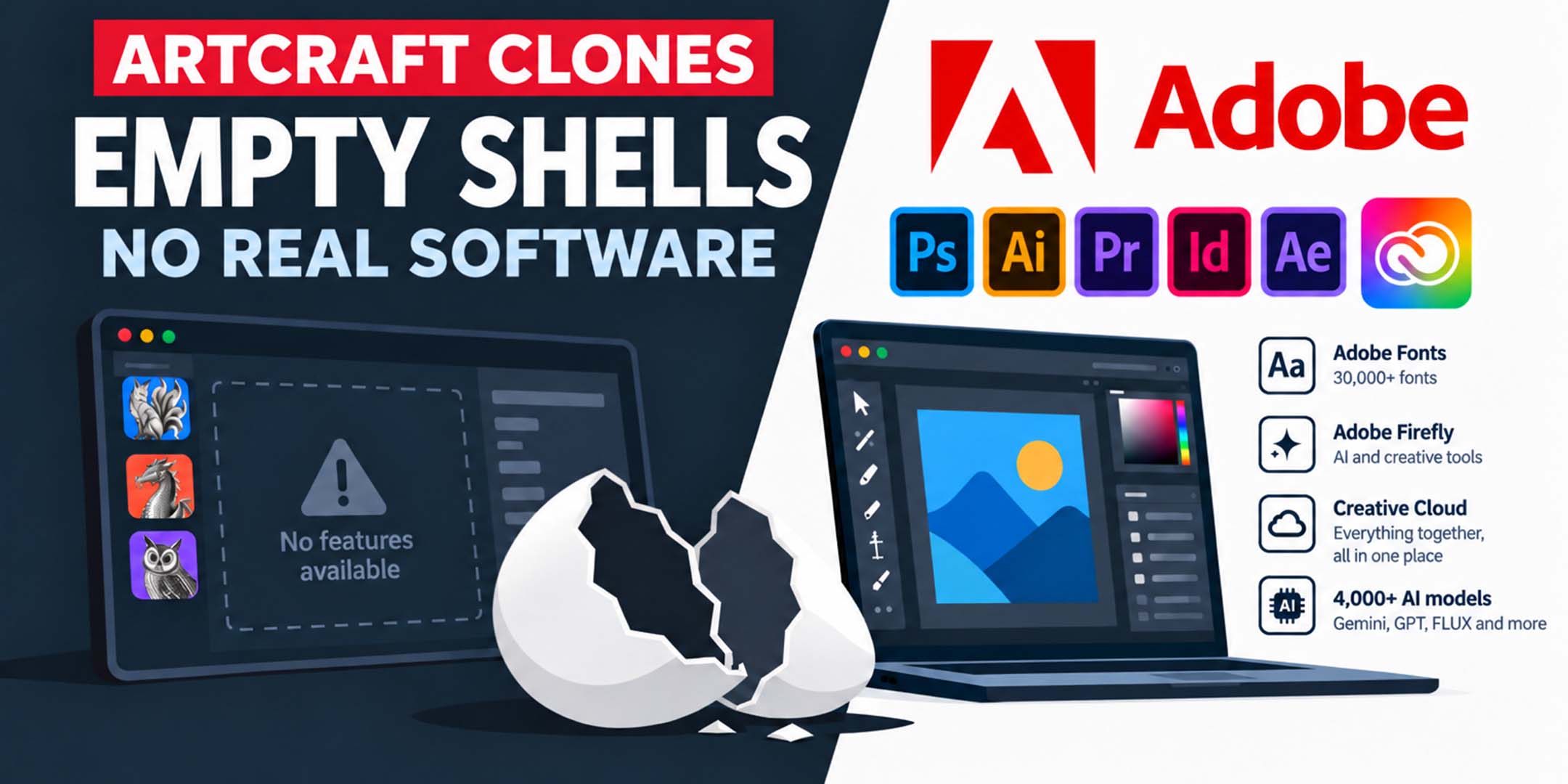
For the past few days, a new hype has been added. One vibe-coder claims to have simply "reverse engineered" the entire Adobe software package. In other words, he would have "unravelled" the programming code of the Adobe programs and rewritten it under a free software license. Meanwhile, the "juicy socials" go completely wild bashing the biggest graphic product that pretty much the entire world works with. Simply because it scores easy points. But the danger is that you, as a student, fall for it and end up saddling yourself with a problem. That's why I think it's important to respond to this as quickly as possible, with a small bit of substantiation but still readable enough.
The look of Adobe has simply been copied, but that's where everything ends. The functions are not the same as in the real apps, and that meagre 1 or 2 percent of features that ARE included? They don't work, or not properly — they glitch, freeze or throw error messages. This is a classic case of "too good to be true," because nobody can simply "vibe-code" a complete professional graphics software suite, including the digital infrastructure that 44 years of work went into. Besides, the online infrastructure and AI connections are entirely missing. Something that can't be solved with any number of years of vibe-coding either.
But what's the biggest problem? Files from these fake apps are NOT compatible with real Adobe software. Not "a bit broken," just plain zero.
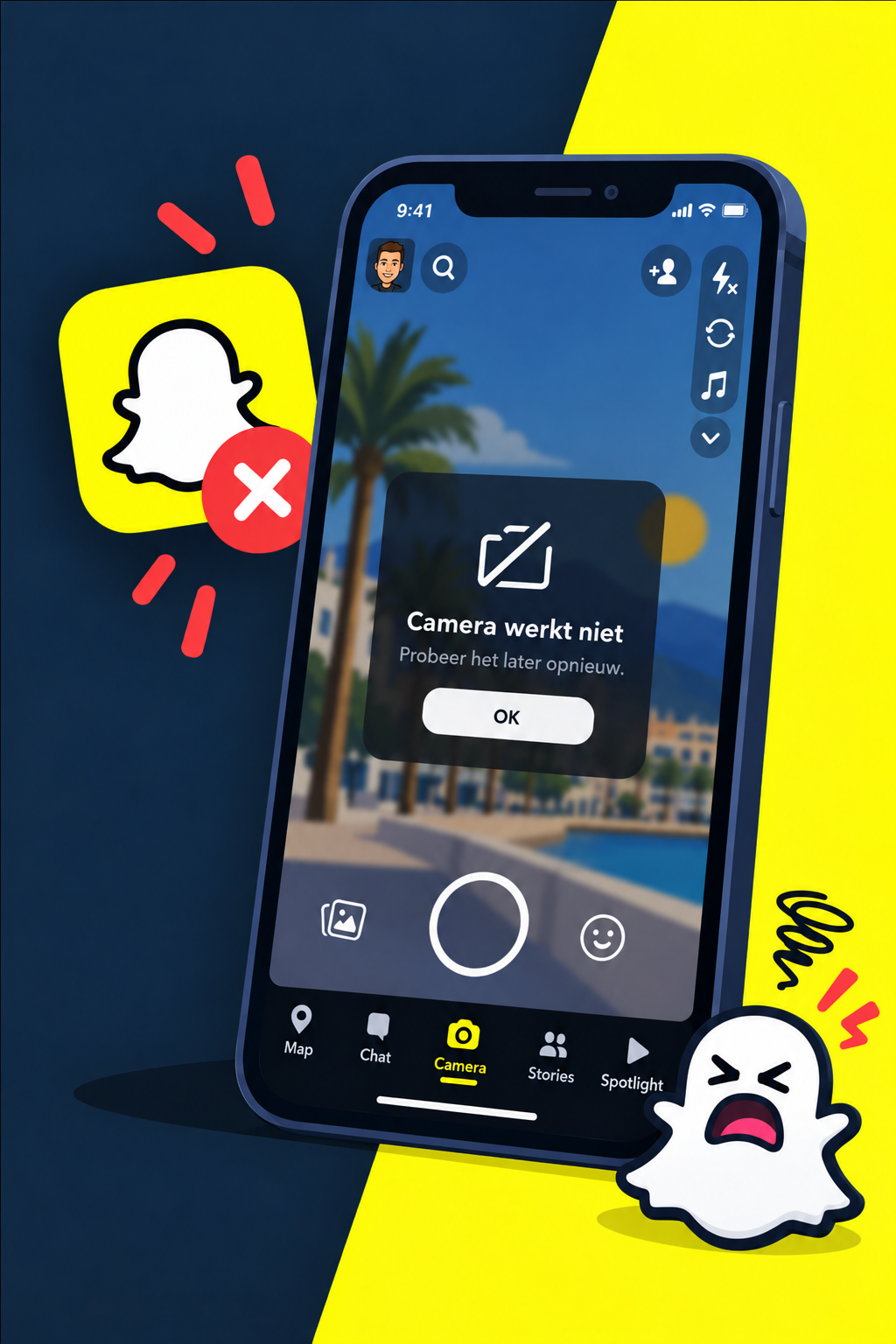
Imagine: an app that looks exactly like Snapchat, but you can't send anything to people who have the real app. And the button to take a photo doesn't work nine times out of ten. You'd delete it immediately.
That's how it works in our field too:
You'll be stuck immediately: In the professional world, everyone uses Adobe Creative Cloud. A .psd or .ai from such a clone app simply won't open for your teacher, classmates or internship company.
No working tools: A professional program shouldn't be able to do two buttons half well — it has to do everything flawlessly, every day, under pressure. That's the difference between an empty shell and a real tool.
Namely the wonders that let you work so much faster than ever.
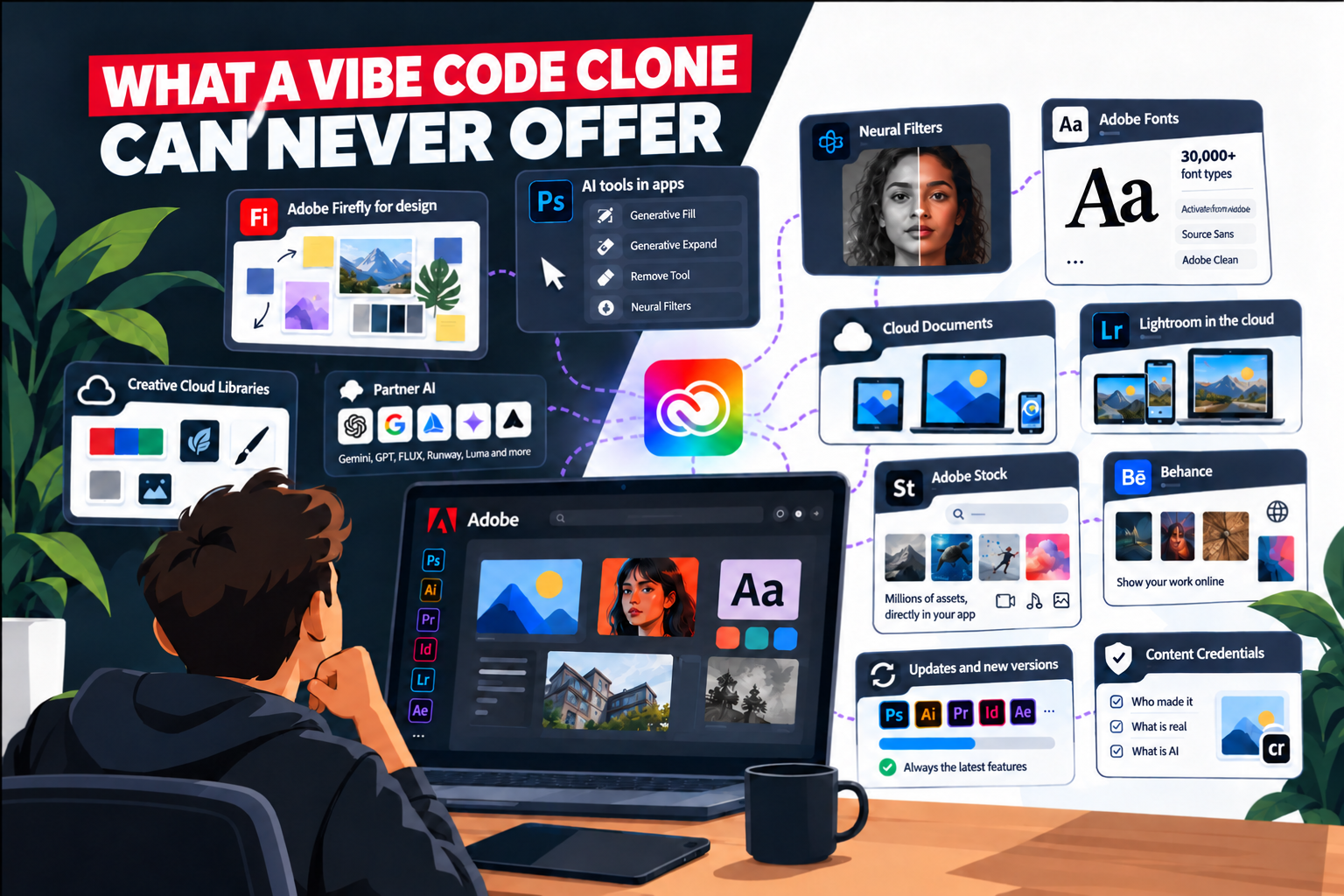
The AI tools in your apps. Generative Fill, Generative Expand, the Remove Tool in Photoshop; Generative Remove, AI noise reduction in Lightroom and Camera Raw. Sounds like separate buttons, but each of those buttons sends your selection to the cloud and lets Adobe's servers do the work.
Neural Filters. Portrait filters, colourisation and style transfer in Photoshop — partly cloud processing, sometimes 30 to 60 seconds of waiting per filter because it doesn't happen locally.
Adobe Fonts. Already mentioned, but it bears repeating: over 30,000 fonts, one click, legal, virus-free.
Creative Cloud Libraries. Your logos, colour palettes, brushes and text styles in one shared drawer available in all your Adobe programs.
Cloud Documents. Files that automatically sync between your laptop, iPad and the browser version. Start at home, continue at school, no USB sticks, no "which version is the latest". No lost documents. No unwittingly sharing viruses with others.
Lightroom in the cloud. Your photos and all your edits sync automatically between desktop, phone and web. Phone at hand during a shoot, laptop in your room, everything stays in sync.
Adobe Stock. Millions of photos, videos and templates, licensed directly in-app. Put Adobe Stock music behind your video, also usable in-app for YouTube and other socials, ready to deploy right away.
Behance portfolio. Publish your portfolio with childlike ease, get seen, land assignments — completely free, even when you stop paying for Adobe.
Updates and new versions. No more purchases, every improvement arrives automatically as long as you're a member.
Content Credentials. A kind of digital "@" proof on your work: who made it, what's real, what's AI. You get this automatically in Photoshop, Lightroom and Premiere. Not a luxury feature, by the way: the EU AI Act increasingly demands this kind of transparency.
Add the partner AI to that (Gemini, GPT Image, FLUX, Runway, Luma — choose per task, or Adobe Firefly) and the picture is complete. ArtCraft copies the screen. This entire piece behind the screen is missing. Not because the maker is lazy, but because you can vibe-code a copied interface, but not an ecosystem with data centres, licensing deals and twenty years of partnerships.
Suppose ArtCraft really were good two years from now. Then you'd still be back in the nineties: searching for fonts yourself, and then hoping you're allowed to install them at your employer. (Usually you're not, for security reasons. And illegal fonts + corporate networks = ransomware roulette.)
Don't waste your time. Your student discount on Adobe is not a useless expense, but the key to software that actually lets you complete your studies and land a job.
_____________________________________
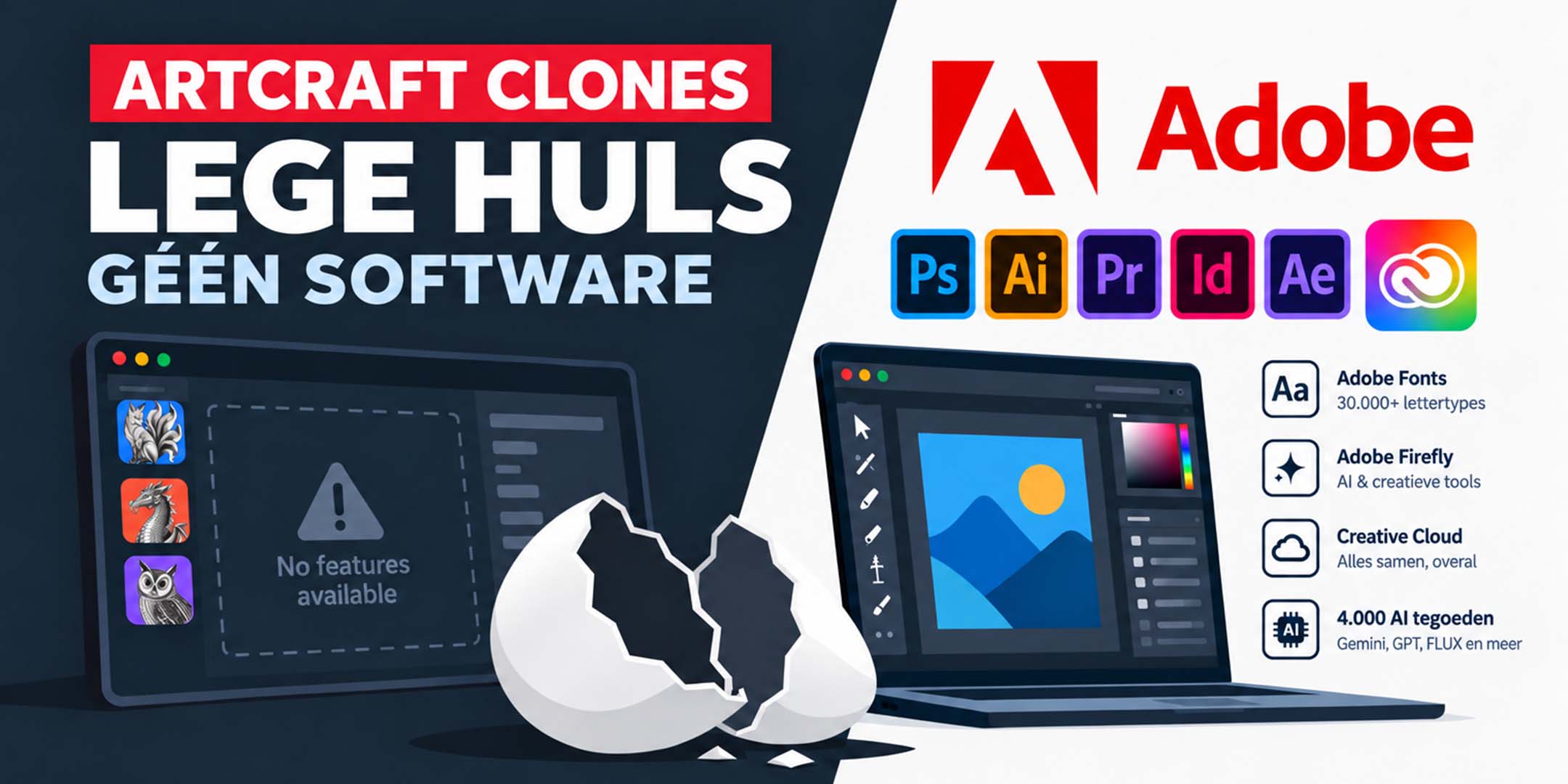
Sinds een paar dagen is er een hype bij gekomen. Één vibe-coder claimt even het héle Adobe pakket aan software te hebben 'reverse engineered'. Met andere woorden hij zou de programmeercode van de Adobe programma's even hebben 'ontrafelt' en hebben herschreven naar een gratis software licentie. Daarbij gaan de 'juicy socials' helemaal los in het bashen van het grootste grafische product waar zo'n beetje de hele wereld mee werkt. Gewoon omdat het makkelijk scoort. Maar het gevaar is dat jij er als student in trapt en jezelf met een probleem opzadelt. Om die reden vind ik het belangrijk om hier zo snel mogelijk met een klein beetje onderbouwing maar wel voldoende leesbaar op te reageren.
Het uiterlijk van Adobe is simpelweg gekopieerd, maar daar houdt alles op. De functies zijn niet dezelfde als in de echte apps, en die magere 1 of 2 procent aan features die er wél in zitten? Die werken niet of niet redelijk — ze haperen, lopen vast of geven foutmeldingen. Dit is een gevalletje 'To good to be true' namelijk niemand kan een complete professionele grafische software suite inclusief digitale infrastructuur waar 44 jaar aan is gewerkt even "vibe-coden". Sowieso ontbreekt de online infrastructuur en ai koppelingen volledig. Iets wat ook niet met enige jaren vibe-coden opgelost kan worden.
Maar wat is het grootste probleem? Bestanden uit deze nep-apps zijn NIET compatibel met echte Adobe-software. Niet "een beetje brak", maar gewoon nul.
Stel je voor: een app die er exact uitziet als Snapchat, maar je kunt niks sturen naar mensen die de echte app hebben. En de knop om een foto te maken werkt negen van de tien keer niet. Je zou hem direct verwijderen.
Zo werkt het in ons vak ook:
Je staat direct voor paal: In het werkveld gebruikt iedereen Adobe Creative Cloud. Een .psd of .ai uit zo'n kloon-app opent simpelweg niet bij je docent, klasgenoten of stagebedrijf.
Geen werkgereedschap: Een professioneel programma moet niet twee knoppen half kunnen — het moet alles feilloos doen, elke dag, onder druk. Dat is het verschil tussen een leeg omhulsel en echt gereedschap.
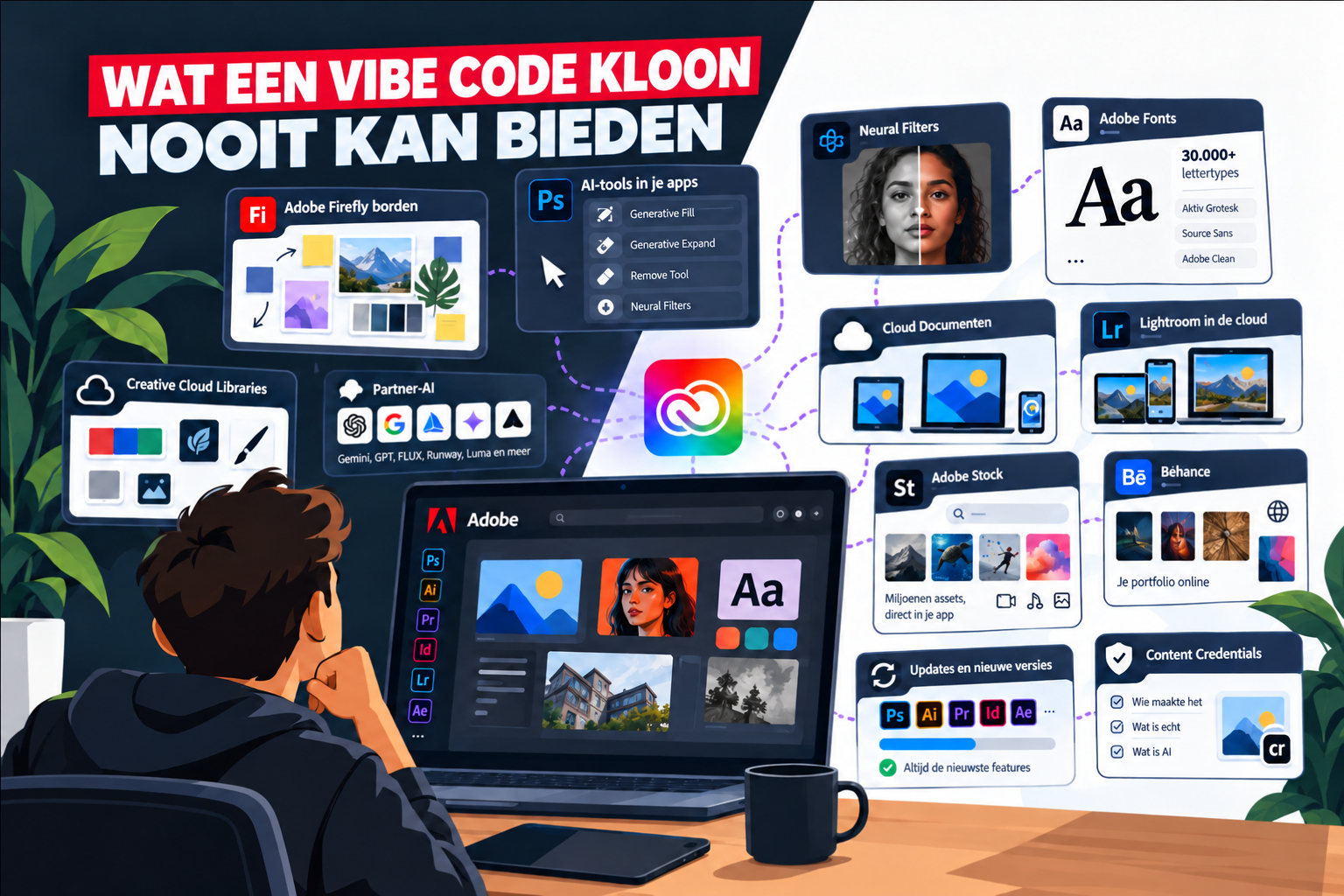
Namelijk de wonderen waardoor je zó veel sneller kan werken dan ooit.
De AI-tools in je apps. Generative Fill, Generative Expand, de Remove Tool in Photoshop; Generative Remove, Ai ruisverwijdering in Lightroom en Camera Raw. Klinkt als losse knoppen, maar elk van die knoppen stuurt je selectie de cloud in en laat Adobe's servers het werk doen.
Neural Filters. Portretfilters, kleuriseer- en stijloverdracht in Photoshop — deels cloudverwerking, soms 30 tot 60 seconden wachttijd per filter omdat het niet lokaal gebeurt.
Adobe Fonts. Al genoemd, maar het verdient de herhaling: ruim 30.000 fonts, één klik, legaal, geen virussen.
Creative Cloud Libraries. Je logo's, kleurpaletten, penselen en tekststijlen in één gedeelde lade die in ál je Adobe programma's zit.
Cloud Documenten. Bestanden die automatisch synchroniseren tussen je laptop, de iPad en de browser-versie. Thuis beginnen, op school verder, geen USB-sticks, geen "welke versie is de nieuwste". Geen documenten verliezen. Geen virussen onbewust met anderen delen.
Lightroom in de cloud. Je foto's en ál je bewerkingen syncen vanzelf tussen desktop, telefoon en web. Telefoon erbij tijdens een shoot, laptop op je kamer, alles blijft gelijk.
Adobe Stock. Miljoenen foto's, video's en templates, direct in-app te licenseren. Adobe Stock muziek achter je video zetten en ook in app geschikt voor Youtube en andere socials direct inzetbaar.
Béhance portfolio. Je portfolio kinderlijk eenvoudig publiceren, gezien worden, opdrachten binnenhalen — helemaal gratis, ook wanneer je stopt met Adobe te betalen.
Updates en nieuwe versies. Geen aankopen meer, elke verbetering komt automatisch binnen zolang je lid bent.
Content Credentials. Een soort digitaal "@"-bewijs op je werk: wie maakte het, wat is echt, wat is AI. Krijg je automatisch in Photoshop, Lightroom en Premiere. Niet luxe-voorziening trouwens: de EU AI Act eist dit soort transparantie steeds vaker.
Tel daar de partner-AI bij op (Gemini, GPT Image, FLUX, Runway, Luma — zelf kiezen per taak Adobe Firefly) en het plaatje is compleet. ArtCraft namaken het scherm. Dit hele stuk achter het scherm ontbreekt. Niet omdat de maker lui is, maar omdat je een nagebouwde interface kunt vibe-coden en een ecosysteem met datacenters, licentiedeals en twintig jaar partnerships niet.
Stel dat ArtCraft over twee jaar écht goed zou zijn. Dan ben je alsnog terug in de jaren negentig: zelf fonts zoeken, en dan hopen dat je ze bij je werkgever mag installeren. (Mag je meestal niet, uit veiligheidsoverwegingen. En illegale fonts + bedrijfsnetwerken = ransomware-roulette.)
Verdoe je tijd niet. Je studentenkorting op Adobe is geen nutteloze kostenpost, maar de sleutel tot software waarmee je daadwerkelijk een studie kunt afronden en een baan kunt krijgen.
 Klik hier voor Nederlands